Automated Dental Reminder System That Cuts No-Shows
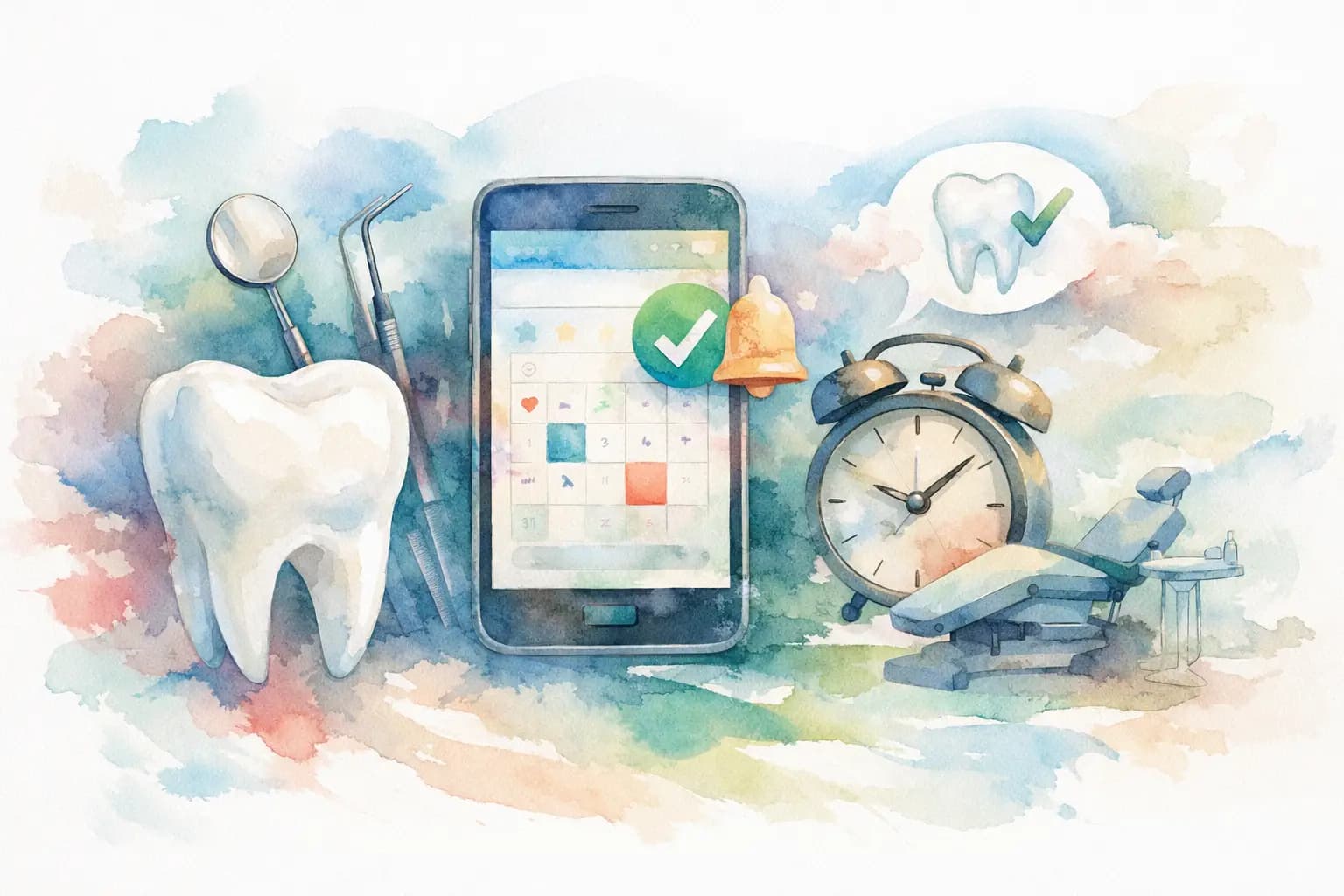
A hygiene appointment that disappears at 2:00 p.m. is more than an empty chair. It is lost production, a disrupted schedule, and a front desk team scrambling to call a waitlist that may not answer. An automated dental reminder system gives practices a more reliable way to protect booked time without asking staff to spend hours dialing, texting, and documenting every follow-up.
The goal is not to bombard patients with messages. It is to make attending the appointment easy: clear details, a simple confirmation path, enough notice to reschedule, and a helpful option when a patient needs support. When reminders are built into the booking workflow, your practice can reduce preventable no-shows while giving patients a more convenient experience.
Why appointment reminders affect practice growth
Many practices treat reminders as an administrative task. In reality, they are part of patient retention, scheduling efficiency, and acquisition economics. You have already spent money and staff time attracting a new patient, answering questions, verifying insurance, and reserving clinical time. If that patient does not arrive, the cost of acquisition rises and the value of the schedule falls.
The problem is rarely that patients do not care about their oral health. People forget a date they booked weeks ago, misread the time, cannot find childcare, have a work conflict, or hesitate to call because they expect a difficult rescheduling process. A well-designed reminder sequence catches those moments early enough to create a useful outcome: a confirmed visit, a rescheduled visit, or an open slot your team can fill.
That distinction matters. A cancellation with 48 hours of notice is operationally different from a no-show at the moment of care. The first gives your team options. The second leaves you with wasted chair time.
What an automated dental reminder system should do
The best systems do more than send a generic text the day before an appointment. They connect to your scheduling process and guide patients toward a clear next step. At minimum, the system should send reminders across the communication channels your patients actually use, capture confirmations, flag uncertain appointments, and make responses visible to the right member of the team.
For most practices, a practical sequence starts when the appointment is booked. The patient receives a confirmation with the office name, provider or service, date, time, and location. A second reminder several days before the visit creates room to reschedule. A final reminder the day before, or on the morning of the appointment when appropriate, helps prevent simple forgetfulness.
Timing should reflect the appointment type. A routine cleaning may need a different cadence than a multi-hour restorative procedure, orthodontic consultation, or pediatric visit. Longer and higher-value appointments usually deserve earlier confirmation because an unfilled slot carries a larger production risk. Emergency appointments need fewer messages and faster communication.
Confirmation must be easier than ignoring the message
A patient should be able to confirm with one tap or a short reply. If they need to change the appointment, the path should be equally clear. Telling someone to call during business hours can still create friction, especially when they are busy at work or managing family schedules.
Online scheduling and request-based rescheduling can reduce that friction. They also give your staff a cleaner view of what needs attention. Rather than checking voicemails, inboxes, and handwritten notes, your team can focus on appointments that genuinely require a conversation.
Your reminders should carry useful information
A vague message such as “You have an appointment tomorrow” may prompt a response, but it does not answer the questions that cause last-minute cancellations. Include the essentials: appointment date and time, practice location, a recognizable sender name, and a direct confirmation or rescheduling action.
For certain visits, a short preparation note is useful. New patients may need to bring identification, insurance information, or prior records. Patients scheduled for sedation may need transportation instructions. Keep these messages focused. A reminder is not the place for a full intake packet or a long promotional pitch.
Set up a reminder workflow your front desk can manage
Automation works best when the workflow matches the way your practice operates. Before choosing message timing or templates, map what happens after a patient books. Identify who owns appointment changes, who contacts unconfirmed patients, and how open slots reach patients waiting for care.
A reliable workflow often includes four stages:
- A booking confirmation sent immediately after the appointment is created.
- A reminder far enough ahead to allow rescheduling and backfilling.
- A closer reminder with a one-step confirmation option.
- An exception queue for patients who have not confirmed, requested changes, or need staff assistance.
The exception queue is where automation supports rather than replaces your team. Not every patient will text back. Some patients prefer phone calls, some have language needs, and some require a more personal conversation because of treatment anxiety or insurance questions. Automation should identify those cases sooner, not force every interaction into the same channel.
For a multi-location group, standardizing the basic workflow is especially valuable. It gives regional managers consistent reporting on confirmations, cancellations, no-shows, and fill rates while allowing each location to adjust for local staffing and patient preferences.
Measure outcomes beyond the no-show rate
No-show reduction is the headline metric, but it is not the only one worth tracking. A system that generates more confirmations but makes rescheduling harder can create frustrated patients and still leave your schedule exposed. Look at the full appointment journey.
Track confirmation rate by reminder channel and appointment type. Review how many cancellations arrive with enough notice to backfill, how many open appointments are refilled, and how much time the front desk spends on manual outreach. For new patients, compare booked appointments with completed first visits. That number tells you far more about marketing performance than raw lead volume.
Some practices also see a meaningful reduction in no-shows when online booking, reminders, and follow-up work together. The actual result depends on your patient mix, appointment availability, cancellation policy, and how consistently staff follow up on exceptions. Be cautious of any vendor that promises the same percentage improvement for every office.
Compliance and trust are part of the workflow
Text and email reminders are convenient, but convenience does not remove the need for consent, privacy safeguards, and message preferences. Work with your legal and compliance advisors to ensure your communications meet applicable requirements, including consent and opt-out rules. Your software provider should support documented preferences and secure handling of patient information.
Trust also comes from message quality. Use your real practice name, avoid surprise marketing language, and make it clear why the patient is hearing from you. If your practice uses a marketplace or booking platform, patients should recognize the relationship between the booking confirmation and the clinic they selected.
Where Book My Smile fits
For practices competing for local patients, appointment reminders are most effective when they begin at the point of booking rather than after a lead has gone cold. Book My Smile helps clinics turn local search demand into confirmed appointments with 24/7 booking, automated reminders, and a workflow designed around completed visits instead of clicks alone.
That model matters because an appointment is only valuable when the patient arrives and is seen. Visibility, reviews, and booking access can create demand, but reminder automation helps protect the operational value of that demand once it reaches your schedule.
Make every booked appointment easier to keep
Start with your current schedule, not a complicated technology project. Review last month’s no-shows and late cancellations. Look for patterns by appointment type, lead source, day of week, and time between booking and visit. Then build a reminder sequence that gives patients a clear, respectful way to confirm or change plans.
The strongest reminder system does not feel like a system to the patient. It feels like a helpful practice that remembers their appointment, respects their time, and makes care easier to keep.